Have you ever had this experience: you ask an AI to help write your work weekly report, and it suddenly blurts out "What did you buy last week?"—because when you asked it to compare prices last week, it remembered your shopping list.
Work memory and personal memory get mixed together—not just awkward, but potentially a privacy leak.
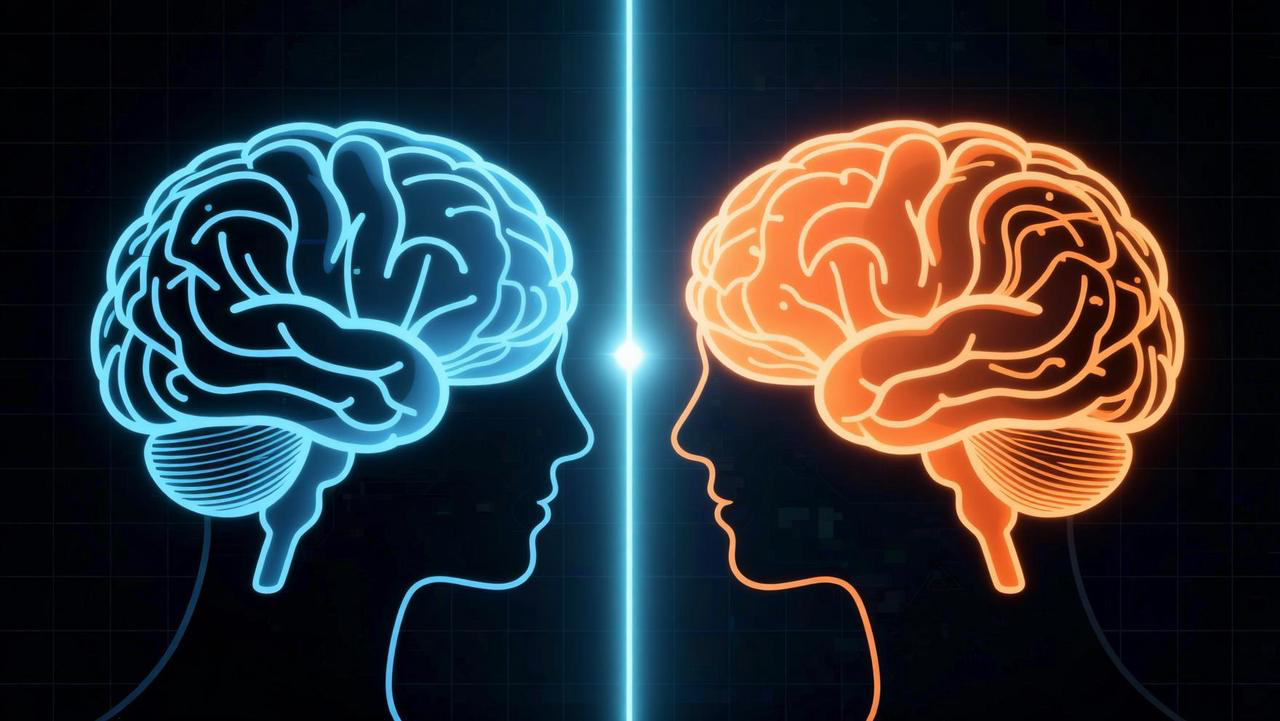
AutoClaw's multi-agent architecture is designed to solve this problem: different scenarios use different AI brains, with completely isolated memories.
What Is Multi-Agent?
Simply put: Run multiple independent AI digital employees on one computer, each with its own personality, memory, and workspace.
Each Agent has its own independent:
- 🧠 Persona & Personality (SOUL.md)—work assistant is rigorous and professional, life assistant is relaxed and lively
- 📁 Workspace—its own files, projects, and code repositories
- 💭 Memory Files—its own long-term memory and daily logs
- 💬 Session History—its own independent conversation records
- It's like having multiple separate accounts—each AI identity manages its own affairs, with natural privacy isolation.
Memory Isolation: Two Key Rules
Rule 1: Between Different Agents, Memory Is Completely Isolated
| Scenario | Memory Shared? |
|---|---|
| Agent A (Discord Bot) ↔ Agent A (Telegram Bot) | ✅ Fully shared, same memory |
| Agent A (Discord Bot) ↔ Agent B (Discord Bot) | ❌ Completely isolated, invisible to each other |
| Agent A (WhatsApp Bot) ↔ Agent B (WhatsApp Bot) | ❌ Completely isolated, invisible to each other Your work assistant won't know what you discussed with your life assistant, and your life assistant won't have access to the project information your work assistant remembers. Your privacy and data security are naturally guaranteed. |
Rule 2: The Same Agent Shares Memory Across Multiple Bots
Information you tell your work assistant on Discord can also be answered when you ask through Telegram. No matter which entry point you use for the conversation, the Agent remembers everything you've discussed before. Memory updates are real-time—there's no "sync delay."
Three Typical Use Cases
🏢 Work Assistant + 🏠 Life Assistant
The most classic division:
- Work Assistant: Rigorous and professional, remembers all project details, meeting minutes, and technical preferences; connected to Discord
- Life Assistant: Relaxed and lively, remembers your shopping lists, fitness plans, and travel preferences; connected to WhatsApp
- Two worlds, zero interference. After work, chat with your life assistant about travel tips without worrying it'll suddenly bring up your project deadline.
💰 Investment Agent + 📝 Creative Agent
- Investment Agent: Focused on market monitoring, research report analysis, and quantitative strategies; connected to Discord
- Creative Agent: Focused on content writing, social media operations, and creative brainstorming; connected to Telegram
- Investment data won't mix into creative conversations, and creative preferences won't affect investment analysis.
🧪 Experimental Agent: Bold Experiments Without Affecting Your Main Agent
Want to try a new workflow or prompt technique but worried about messing up your existing Agent's memory? Create an experimental Agent:
- Freely test new Skills
- Try different model configurations
- Explore new conversation patterns
- Even if things go wrong—your main Agent's memory and workspace remain completely unaffected.
How to Create Multiple Agents?
Method 1: Create a New Agent Clone
- Click the ➕ button in the top-left corner of the home page
- Select New Session
- Select "New Clone"
- Get a brand-new Agent with no historical memory
- It's like cloning a fresh version of yourself—blank memory, clean workspace, ready to be shaped from scratch.
Method 2: Create an IM Bot and Bind It
- Go to Settings → IM Channels
- Select the target platform (Discord, Telegram, WhatsApp)
- Click Add Account
- Configure the bot credentials and authorize
- The newly created bot can be bound to an existing Agent (shared memory) or to a new Agent (independent memory).
Why Not "One AI Does Everything"?
Even the human brain separates work and personal memories. AI should too. The benefits of multi-agent architecture:
- Privacy & Security: Work information won't leak into personal scenarios, and vice versa
- Focused & Efficient: Each Agent only cares about its own domain, no "distractions"
- Personalized Customization: Different Agents can have completely different personalities, tones, and work styles
- Risk Isolation: If one Agent has issues, it doesn't affect the others' normal operation
- Team Collaboration: You can configure dedicated Agents for different people and roles
FAQ
Q: Can multiple Agents accidentally share memories?A: No. Different Agents' memory files, workspaces, and session records are stored completely independently and are mutually inaccessible.
Q: Is switching between Agents cumbersome?A: Home page → click ➕ → select the corresponding clone, one-step switch.
Q: Does multi-Agent cost extra?A: No. Multi-Agent is a built-in capability of AutoClaw at no additional cost.
Q: Can a newly created Agent be bound to an existing Discord bot?A: Yes. You can bind a new Agent to any IM bot, or bind one Agent to multiple bots.